Skip to content
Vectify
Generate

Text to SVG

A prompt in, an SVG out. Here is the actual workflow Vectify runs—not a magic one-box model that draws Béziers from scratch.

Text to SVG on Vectify is two steps. The prompt is expanded with guidance such as solid fills and hard shadows, then an image model produces a square raster. That raster is sent to Vectify's vectorizer, which returns an SVG stored in your account.

That pipeline is why prompt wording matters. Soft lighting and photographic detail fight the vectorizer. Flat color, high contrast, and a single clear subject survive conversion. The effective prompts guide is the page to keep open while you generate.

If you want category overviews instead of the workflow, start with the AI SVG generator. Pricing is on the pricing page: one token per illustration, packs from $9.
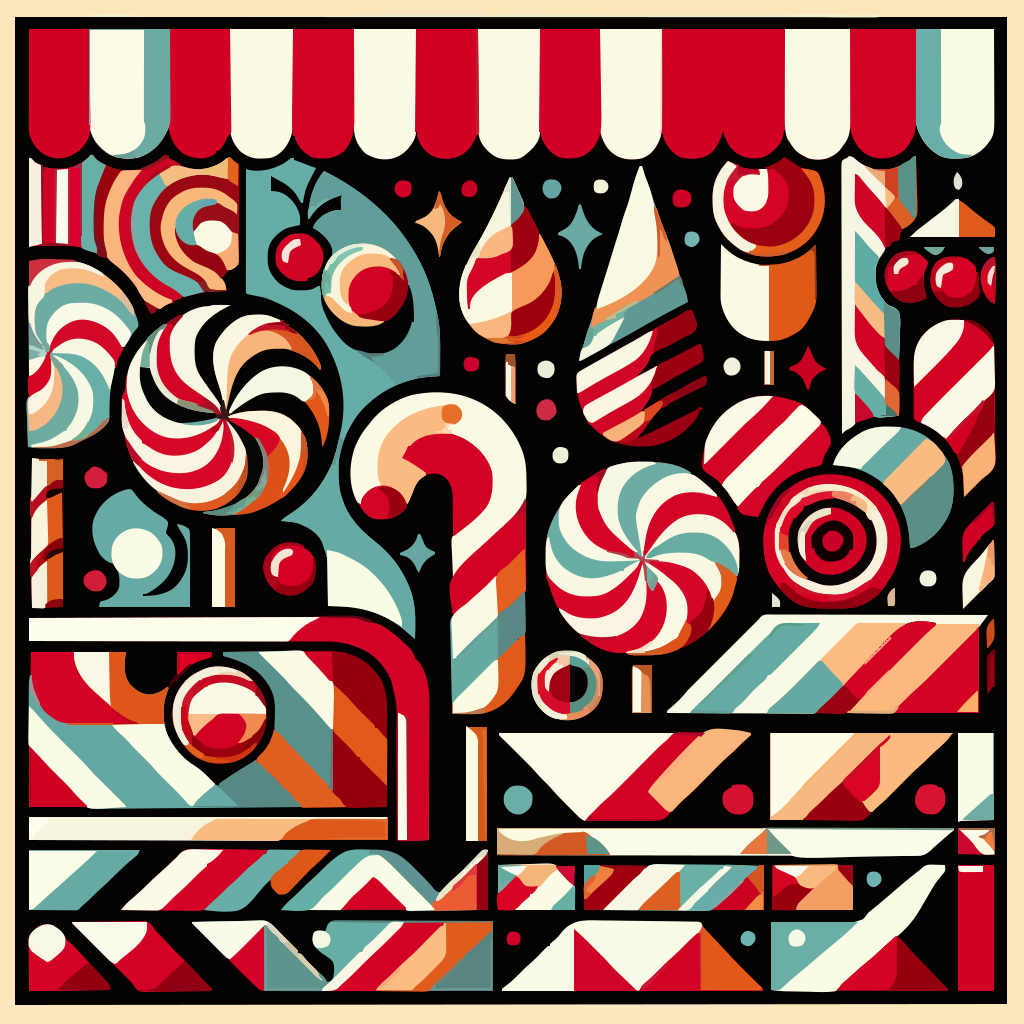

A candy shop pattern of peppermints and lollipops in red, white, and teal.
A steaming coffee cup illustration suitable as a simple mark.
A shark wearing glasses and reading a book, generated as SVG.
Generate an SVGSee pricingPrompt guide

Questions

You type a prompt. Vectify generates a raster image with instructions that favor solid colors and hard edges, then converts that image into SVG paths you can download.

Name the subject, ask for flat or solid colors, and mention sharp edges. Avoid photorealism, soft shadows, and gradients if you want a clean vector look. The prompt guide has examples.

Usually seconds. Each successful generation uses one token from your account.

Not to use the SVG. You only need an editor if you want to change individual paths, type, or colors beyond what the prompt produced.

Cookies

We use cookies to ensure you get the best experience on our website. No tracking or personal data is collected.