Skip to content
Vectify
Generate

AI SVG generator

Describe an illustration and download a scalable SVG. Vectify is built for vector output, not another raster playground.

Most “AI image” tools stop at a PNG. An AI SVG generator has to produce paths you can resize, recolor, and drop into Figma, a website, or print. Vectify is that narrower product: one prompt, one token, one SVG.

It is a good fit when you need a graphic that stays sharp at any size—hero art, a sticker, a poster element—and you would rather iterate on prompts than draw every curve by hand. It is a poor fit if you need pixel-perfect brand construction or live path editing in the browser. Download the file and finish it in a vector editor.

For logos and simple marks, see the AI logo generator and AI icon generator. For the prompting workflow, read text to SVG.

A stylized matador in red, black, and white with bold curved vector shapes.
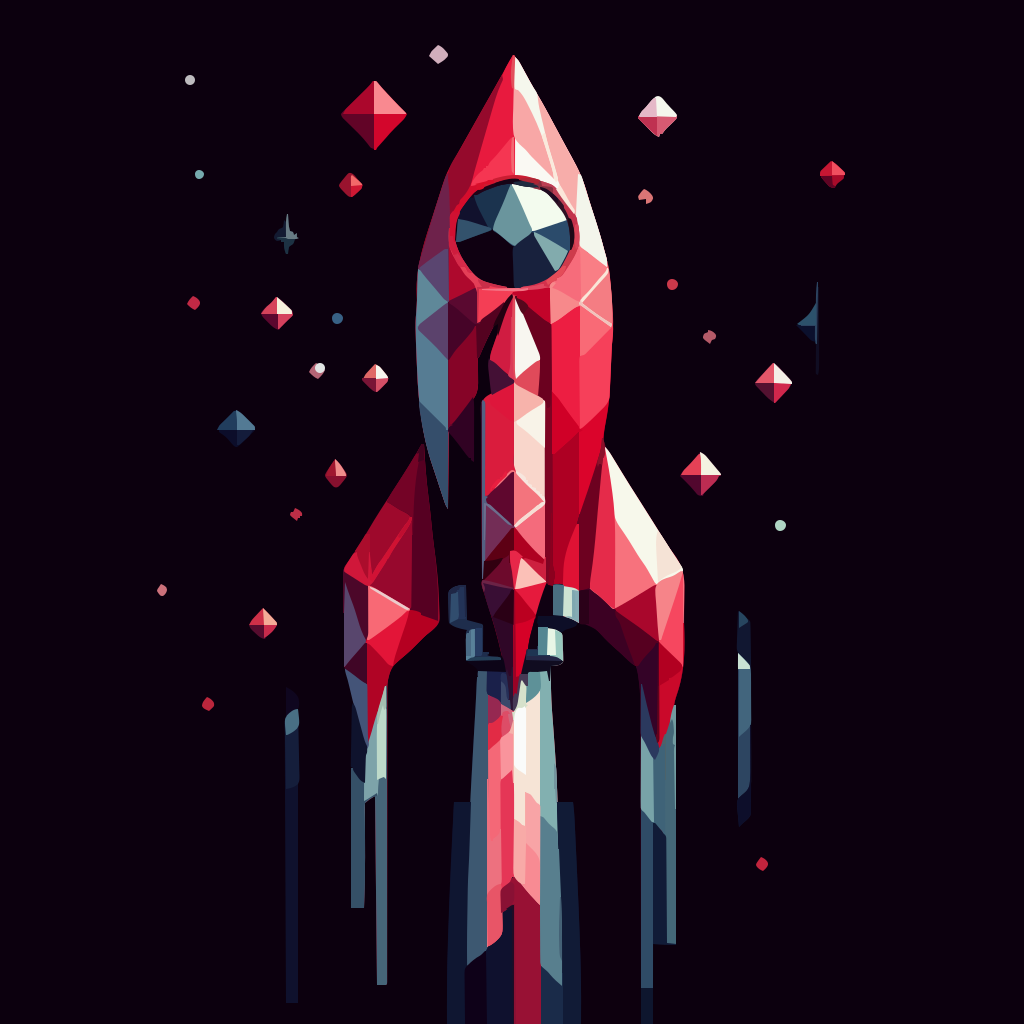
A geometric rocket ship in red and white polygons against a dark background.
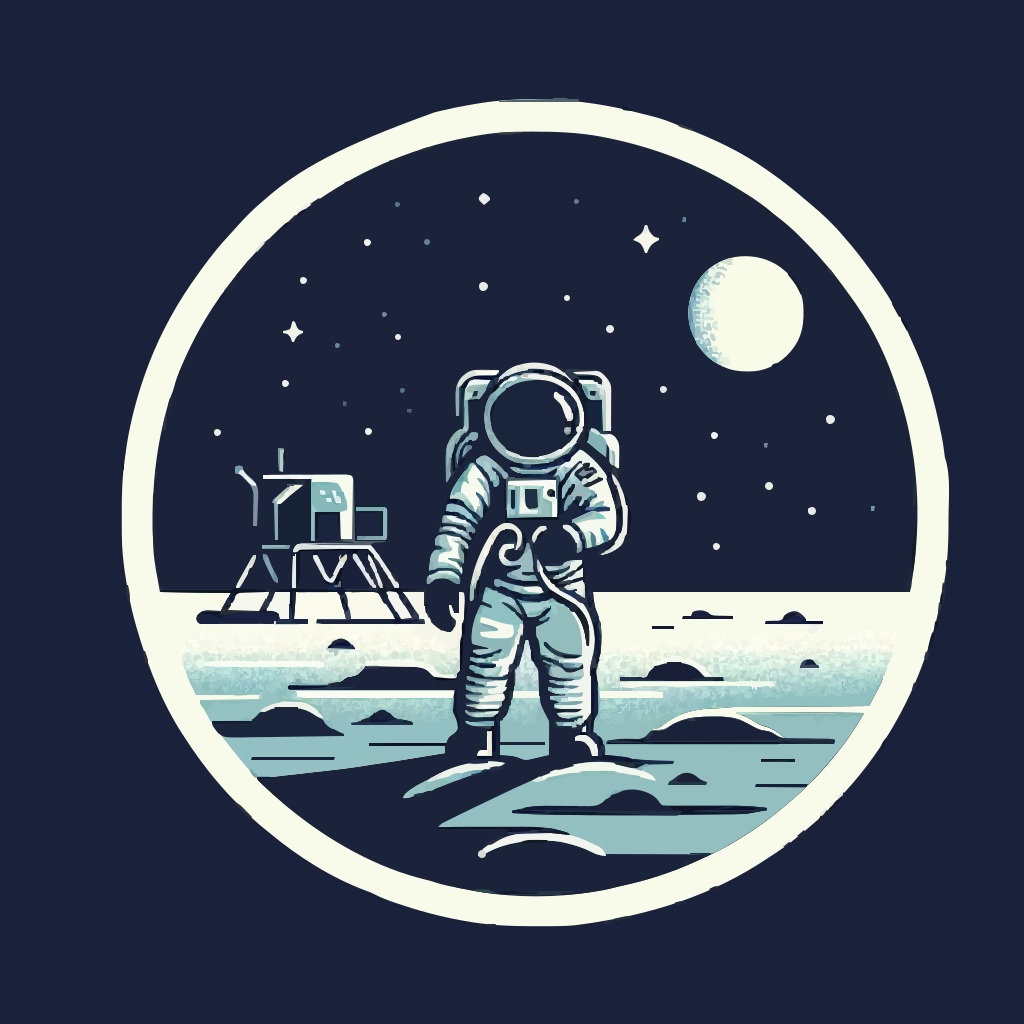
An astronaut on the lunar surface beside a landing module, rendered as SVG.
Generate an SVGSee pricingPrompt guide

Questions

It turns a text description into a scalable SVG file. Vectify generates an image from your prompt, converts it to vector paths, and lets you download the SVG.

Yes. You receive an SVG file, not a PNG renamed as a vector. You can open it in a browser or a vector editor and scale it without pixelation.

Token packs start at $9 for 50 generations. Artiste is $15 for 100 tokens and Picasso is $25 for 200 tokens. Tokens do not expire.

Yes, subject to the Terms and Conditions. Check the terms for usage rights and limitations before shipping client work.

Cookies

We use cookies to ensure you get the best experience on our website. No tracking or personal data is collected.