Skip to content
Vectify
Generate

AI logo generator

Get SVG logo concepts from a prompt. Useful for exploration. Not a substitute for trademark review or a full identity system.

Logo prompts work when they describe a single symbol, two or three flat colors, and a lot of negative space. “Coffee cup logo, two colors, no text” will usually beat “luxury lifestyle brand with tagline and badge.” Vectify does not typeset a wordmark reliably, so keep lettering out of the prompt or plan to add type later.

Limitations are real: the model can echo existing marks, drop small details, or produce a scene instead of a lockup. Download the SVG, simplify paths, and run your own uniqueness checks. Vectify does not include vector editing or custom branding tools in the app.

For simpler glyphs, use the AI icon generator. For general illustrations, see the AI SVG generator. Token packs are listed on pricing.

A steaming coffee cup mark that reads as a simple logo concept.
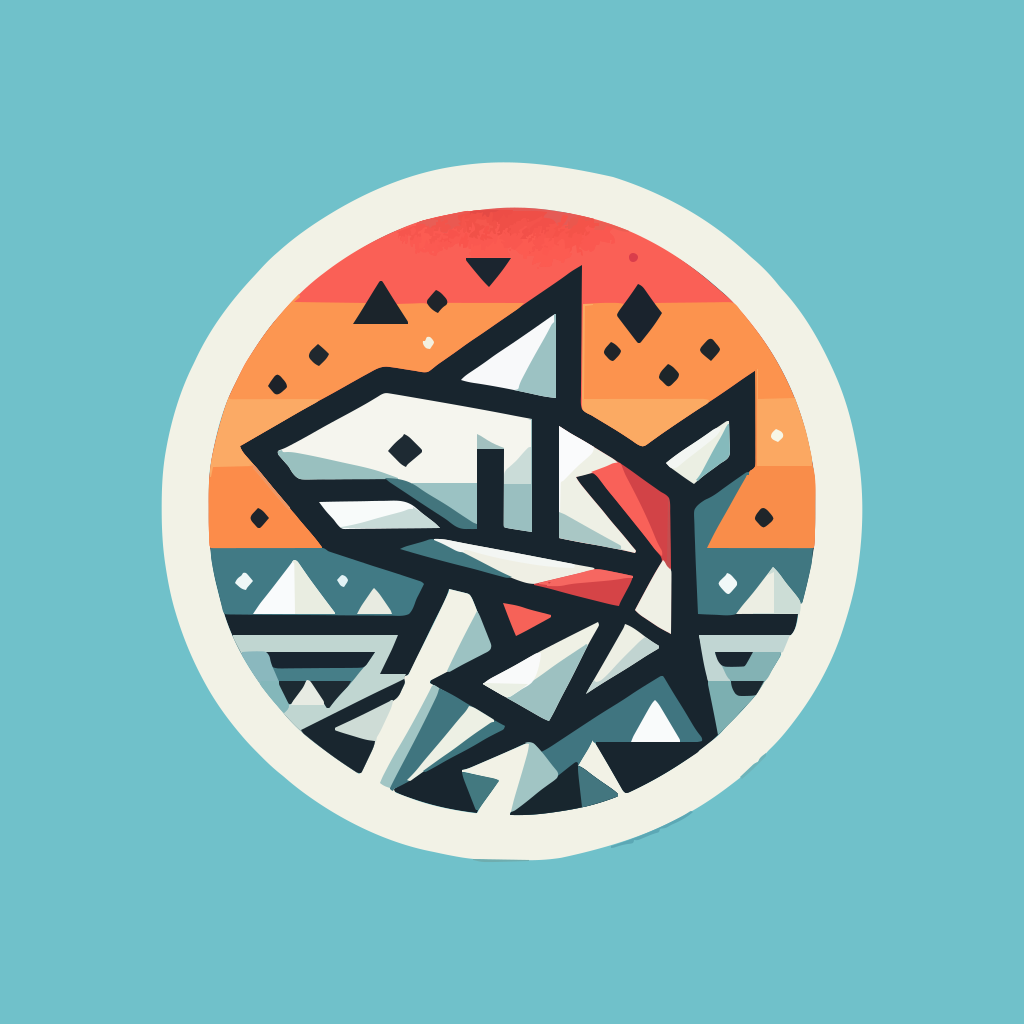
A circular shark emblem with bold shapes suitable as a logo exploration.
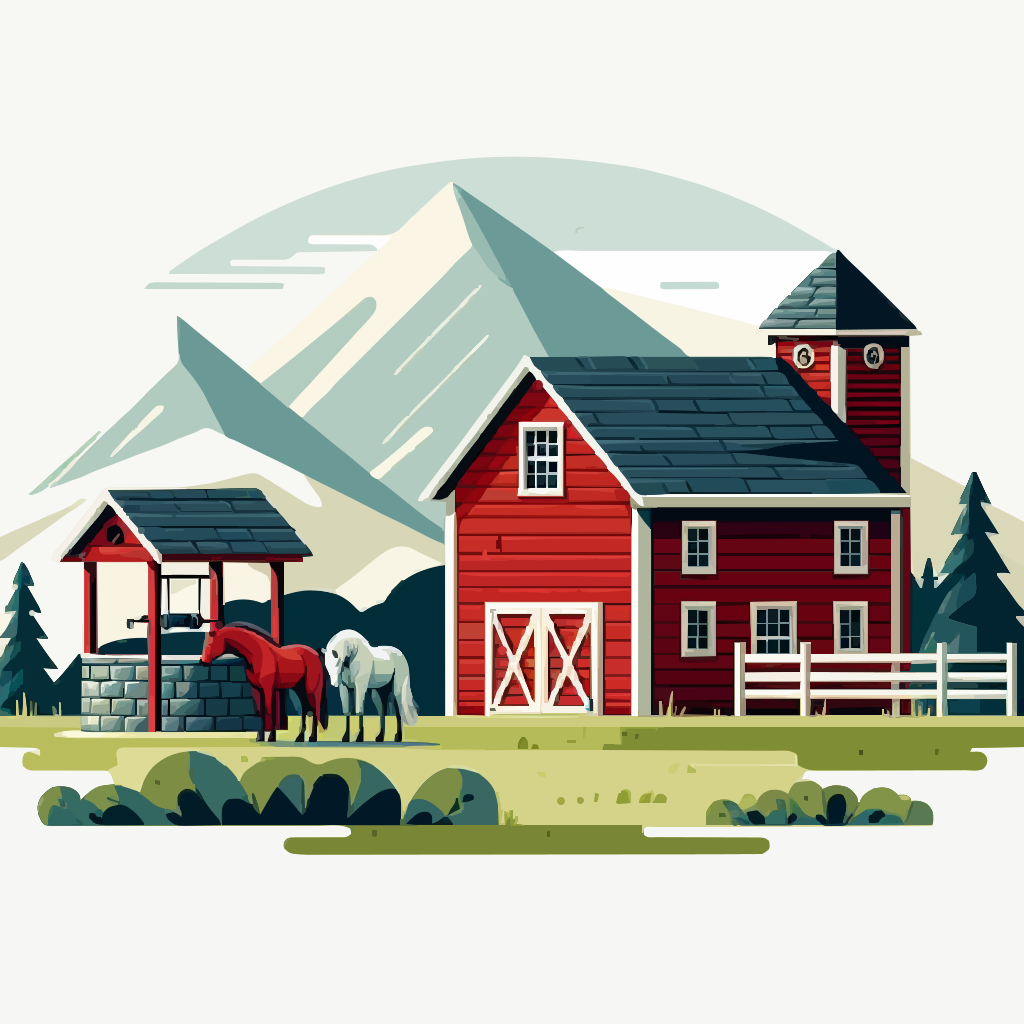
A red stables and mountain scene that could work as a pictorial mark.
Generate an SVGSee pricingPrompt guide

Questions

Yes. Prompts that describe a simple mark, limited colors, and a clear subject work best. Treat the SVG as a starting point, not a finished brand system.

Vectify does not set type, check trademark conflicts, or keep a brand kit. Complex lettering and tiny legal-line details are unreliable. You should review and edit the SVG before using it as a company logo.

No. It is a fast way to explore marks and export vectors. A designer still owns naming, letterspacing, and brand rules.

You can use the file subject to the Terms and Conditions. You are still responsible for uniqueness, trademarks, and whether the mark is appropriate for your business.

Cookies

We use cookies to ensure you get the best experience on our website. No tracking or personal data is collected.